Review Results
WildNotes will make initial predictions of which behaviors were found in your voice notes, along with a quote from your transcript and a confidence score. You can always edit and change these predictions, so you have the final say in the data output.
This guide covers how to check each suggestion against the transcript and audio, fix anything it got wrong, and confirm the rest.
Open a recording
From the session page, Review opens the first recording with behaviors left to check. The screen shows:
- the audio, with play and seek;
- the transcript, which you can edit if the words are wrong;
- the coded behaviors, each with the quote it came from, its time in the audio where the transcript has word timings, and a confidence score.
Previous, Next, and Next to review move between recordings.
Confirm low-confidence behaviors
For each coded behavior, you can confirm it, reject it, or correct its value.
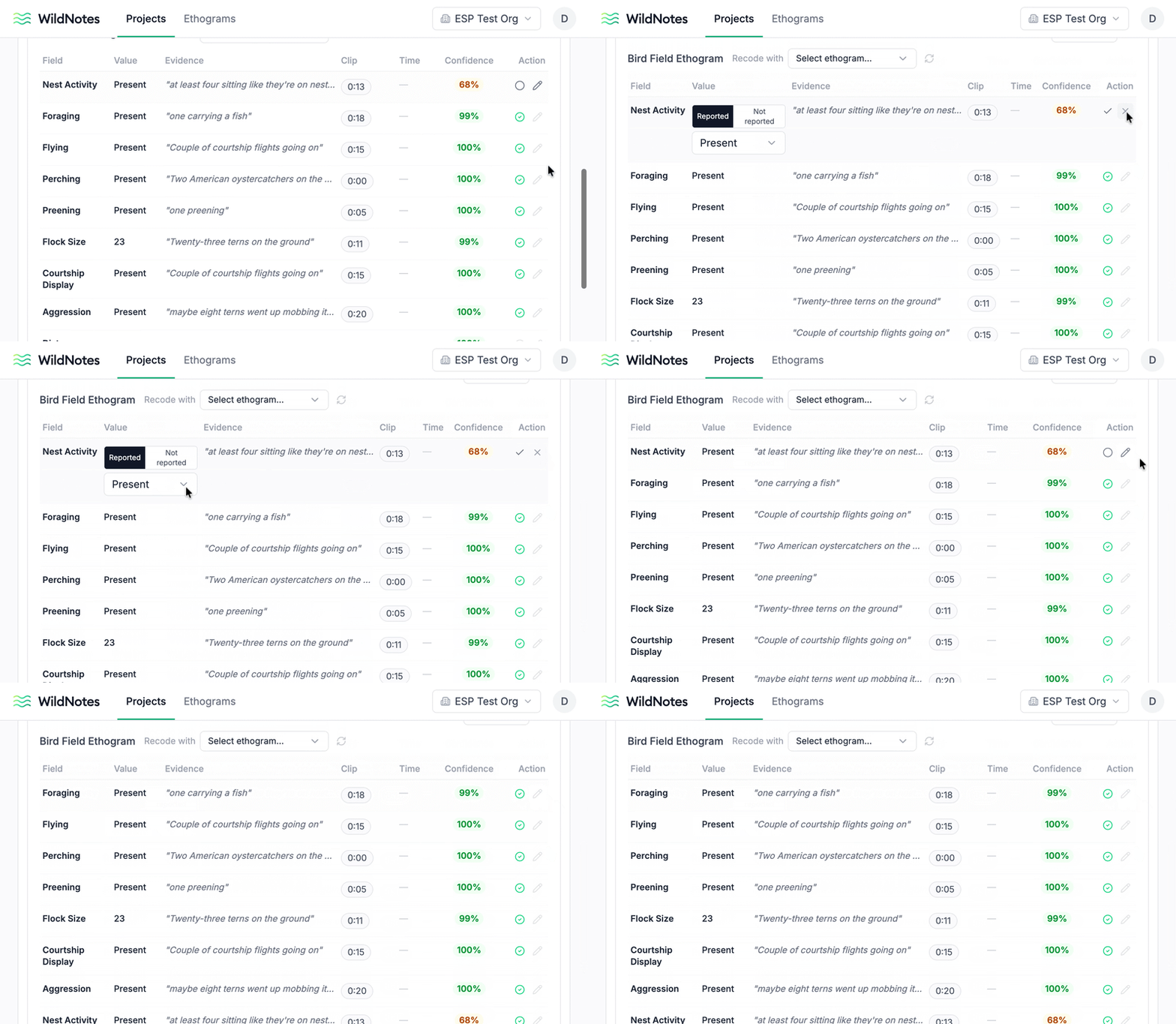
Behaviors coded at or above the confidence threshold are confirmed automatically and show up in green. Low-confidence predictions are flagged in yellow so you look at those first. You can configure the AI confidence threshold as a setting for the workspace, the project, or the session.
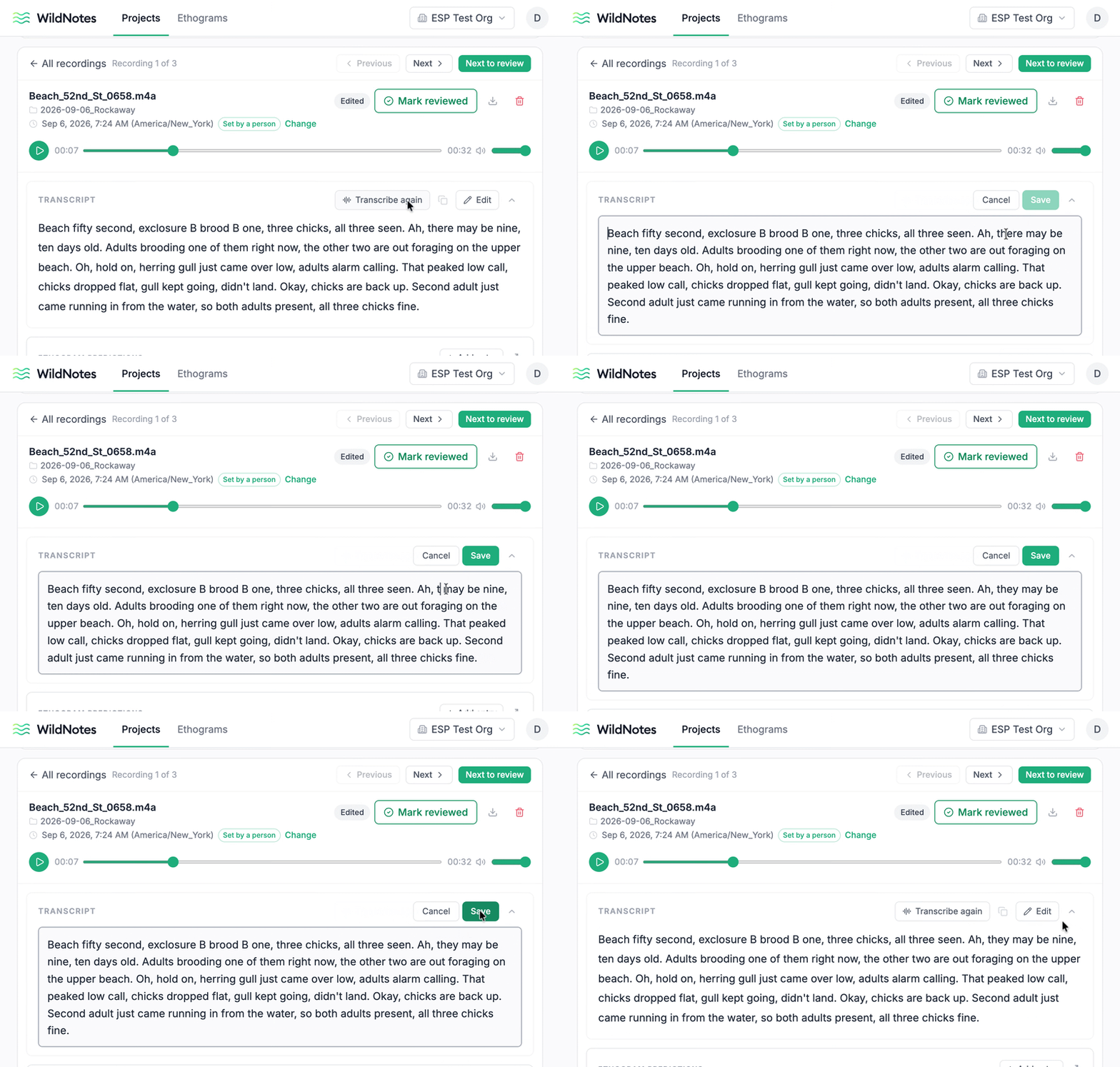
Editing the transcript
Click Edit Transcript to fix any errors directly.
If a recording holds no speech, only animal calls, wind, or silence, its transcript is empty on purpose.
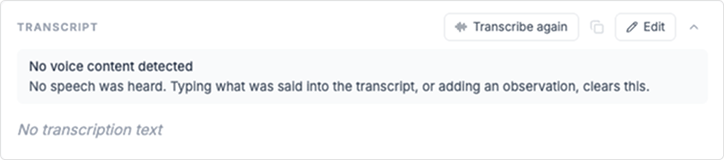
If you made updates to your ethogram that you think will improve the transcription (e.g., adding a list of acronyms, locations, or other proper nouns), you can click Transcribe again to refresh the transcript.
Mark as reviewed
When you've taken a look at a recording's behaviors, click Mark reviewed so that you and other workspace members know that a human has reviewed it. The project and session page views will let you know how many are left.
After you've reviewed all of your recordings, you are ready to Export.